



Description
A faulty or worn-out cooling fan can cause symptoms such as excessive fan noise, overheating, sudden shutdowns, reduced performance, or the laptop becoming unusually hot during demanding tasks. Replacing the cooling fan can restore proper airflow through the laptop’s internal cooling system.
This replacement fan uses a 4-pin power connector and operates at 5 volts, making it suitable for compatible HP EliteBook models using the specified fan configuration. It is an air-cooling solution designed for installation inside the laptop and works together with the laptop’s heatsink and thermal cooling system.
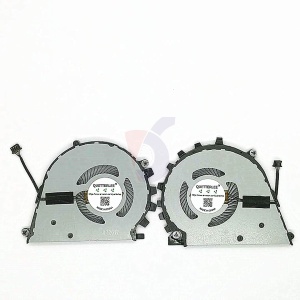
The fan is brand new and high quality, making it suitable as a replacement for a damaged, noisy, slow, or non-working CPU cooling fan.
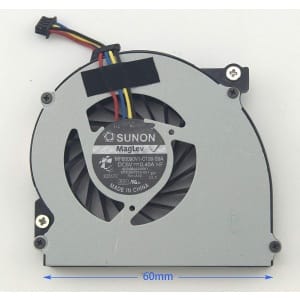
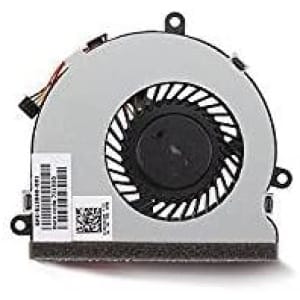
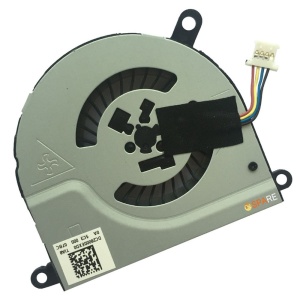
⚠️ Please compare the part number and connector with your original fan before ordering, as different configurations may exist depending on the exact laptop model and motherboard revision.
🔹 Compatible Models
Compatible with selected configurations of:
✔ HP EliteBook 840 G9
✔ HP EliteBook 845 G9
✔ HP EliteBook 860 G9
✔ HP EliteBook 865 G9
✔ HP EliteBook 1040 G9
✔ HP EliteBook 840 G10
✔ HP EliteBook 845 G10
✔ HP EliteBook 860 G10
✔ HP EliteBook 865 G10
✔ HP EliteBook 1040 G10
🔹 Compatible Part Numbers
- FS1D
- 6033B0129701
- DFS5L22H15B855
- EG70040S1-C150-S9A
🔹 What’s Included
- 1 × CPU Cooling Fan
- Brand New Replacement Fan
🔹 Common Cooling Fan Problems This Can Help Address
- Excessive fan noise
- Fan not spinning
- Intermittent fan operation
- Laptop overheating
- Laptop becoming unusually hot
- Thermal performance issues
- Automatic shutdown caused by overheating
- Reduced performance caused by high temperatures
- Damaged or worn-out internal cooling fan
🔹 Installation Note
Professional installation is recommended to ensure the fan is correctly connected and properly positioned with the laptop’s heatsink and cooling system. During replacement, the internal cooling system can also be inspected and cleaned to improve airflow.
Before ordering, match the original fan’s part number, connector, voltage, and physical design with the replacement to confirm compatibility.

Reviews
There are no reviews yet.